
1 active filter
1 active
Looking for the best wireless router price in Bangladesh? ITbazar.net offers single-band, dual-band, Wi-Fi 6, Gigabit, and mesh routers for homes, offices, gaming, streaming, and smart homes. Compare reliable routers from TP-Link, Tenda, Mercusys, Cudy, D-Link, and other trusted brands to enjoy faster Wi-Fi coverage and stable internet connectivity.
Showing 12 of 78 products
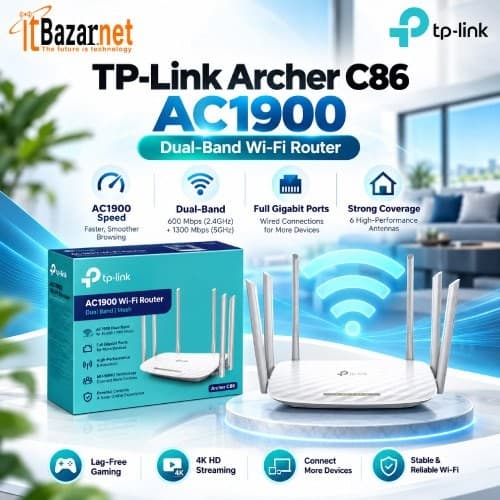
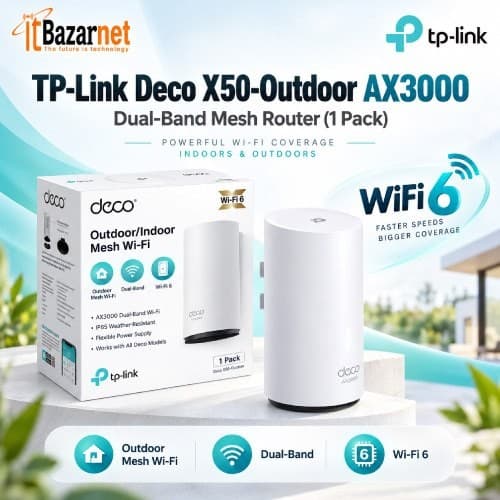
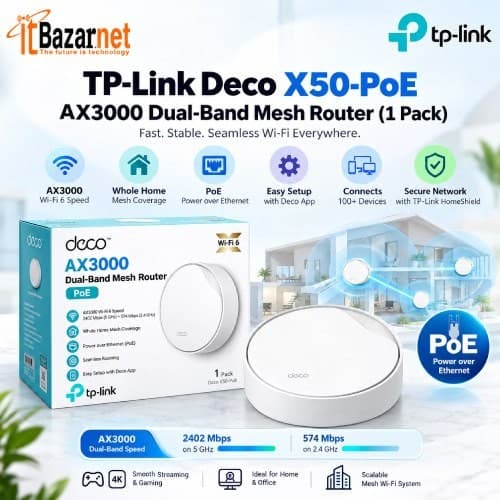
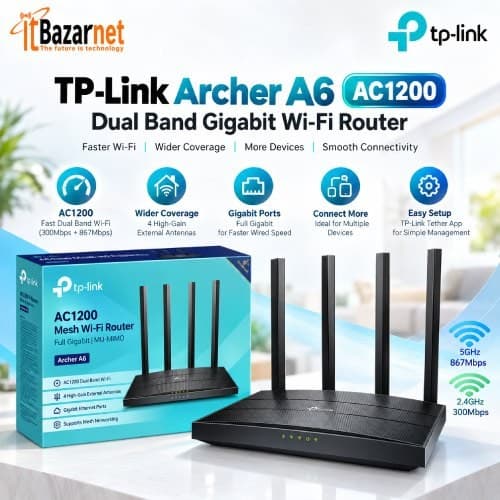
Warranty: 1-Years
Product Code: 693699138795
(0)
Warranty: 1-Years
Product Code: 531916081012
(0)
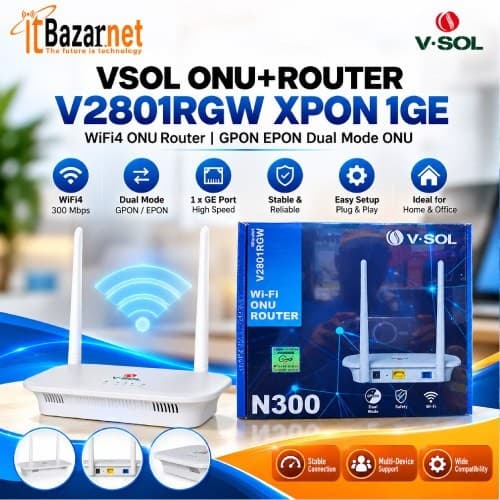
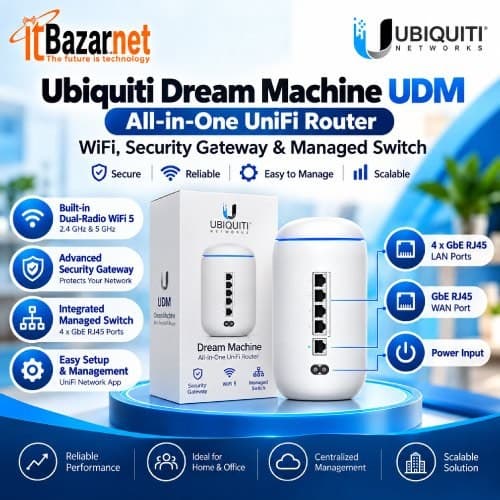
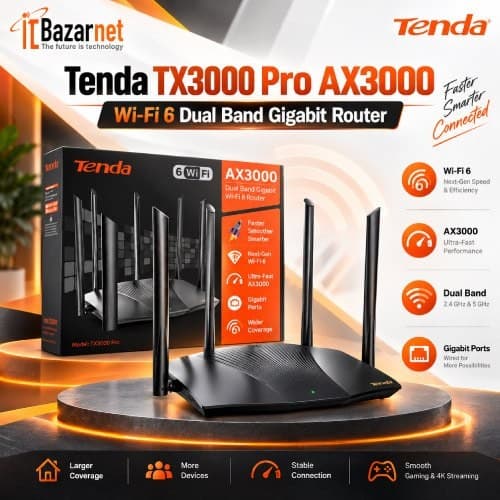
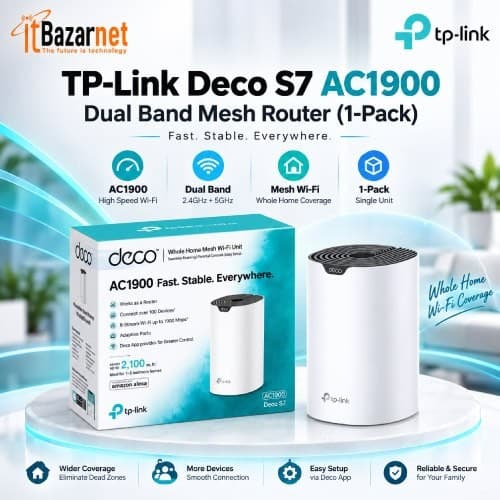
A wireless router is a networking device that connects your local devices to the internet and distributes the connection through Wi-Fi. It receives internet from a modem, ONU, or ISP connection, then creates a wireless network for smartphones, laptops, smart TVs, gaming consoles, security cameras, and smart-home devices.
A router also manages the local network. It assigns IP addresses through DHCP, connects wired devices through LAN ports, controls traffic between devices, and often includes firewall and security features. For most homes and offices in Bangladesh, the wireless router is the central device that keeps everyone connected.
Why can’t you rely only on an ONU or modem for the internet? An ONU converts a fiber signal into Ethernet, but it usually does not provide strong Wi-Fi coverage or manage multiple devices efficiently. A wireless router distributes that connection across your home or office and provides better control, security, and coverage.
A good router improves everyday activities such as video streaming, online classes, gaming, video calls, smart-home control, and remote work. It also helps reduce Wi-Fi dead zones when placed correctly and paired with the right wireless standard.
How does a Wi-Fi router send the internet to your devices? The router receives an internet connection through its WAN port from an ONU, modem, or ISP line. It then routes that connection to wired devices through LAN ports and wireless devices through radio signals.
The router uses bands such as 2.4 GHz and 5 GHz to communicate with wireless devices. Modern routers can manage multiple devices simultaneously using technologies such as MU-MIMO, beamforming, and OFDMA. These features help maintain stable performance when many users are connected at the same time.
What is the difference between a router and a modem? A modem converts an incoming internet signal into a usable network signal, while a router distributes that connection to multiple devices and manages the local network.
| Device | Main Function | Common Connection |
| Modem | Converts ISP signal to network signal | ISP line to router |
| ONU/ONT | Converts fiber signal to Ethernet | Fiber line to router |
| Router | Converts fiber signal to Ethernet | ONU/modem to devices |
| Switch | Expands wired LAN ports | Router to multiple wired devices |
| Access point | Extends Wi-Fi coverage | Router or switch to wireless devices |
In fiber internet connections, an ONU often replaces the modem. The ONU connects to the router through an Ethernet cable, and the router provides Wi-Fi and local network management.
The main types of wireless routers are single-band, dual-band, tri-band, Wi-Fi 6, Wi-Fi 6E, mesh, gaming, and 4G LTE routers. The best choice depends on your home size, number of connected devices, internet plan, and performance requirements.
A single-band router operates on only the 2.4 GHz frequency. It is suitable for basic browsing, email, and light everyday use, and it is usually the lowest-cost option.
A dual-band router supports both 2.4 GHz and 5 GHz frequencies. It is ideal for most homes and small offices because it offers better speeds and reduces interference compared with a single-band router.
A tri-band router provides an additional wireless band, usually one 2.4 GHz band and two 5 GHz bands. It is best for large homes or households with heavy usage and many connected devices because it offers greater network capacity.
A Wi-Fi 6 router uses the latest major Wi-Fi standard designed for modern smart homes and offices. It improves efficiency, speed, and performance when many devices are connected at the same time.
A Wi-Fi 6E router supports the 6 GHz band in addition to the 2.4 GHz and 5 GHz bands. It is suitable for high-performance and future-ready networks that need faster speeds and less congestion.
A mesh router system uses multiple connected nodes to create one seamless Wi-Fi network. It is best for large homes, multi-floor spaces, and properties where a single router cannot provide reliable coverage.
A gaming router is designed for competitive gaming, streaming, and other latency-sensitive activities. It typically includes traffic prioritization features that help reduce lag and maintain stable performance.
A 4G LTE router provides internet through a mobile SIM card instead of a fixed broadband line. It is useful in areas where fiber, cable, or DSL internet service is unavailable.
For most households in Bangladesh, a dual-band Gigabit router is a practical starting point. For larger homes or households with many connected devices, a Wi-Fi 6 router or mesh system offers better long-term value.
What is a single-band router? A single-band router operates only on the 2.4 GHz frequency. It is usually affordable and suitable for basic internet use such as browsing, social media, email, and standard-definition video.
However, the 2.4 GHz band is more crowded because many older devices, Bluetooth products, and household electronics use it. This can cause interference and reduce real-world speed in busy environments.
Why is a dual-band router the most popular choice? A dual-band router broadcasts both 2.4 GHz and 5 GHz Wi-Fi signals. The 2.4 GHz band offers better wall penetration and wider coverage, while the 5 GHz band provides faster speeds and less interference.
Dual-band routers are suitable for most apartments, homes, and small offices. They allow you to connect older smart-home devices to 2.4 GHz while using 5 GHz for laptops, smartphones, smart TVs, and gaming devices.
What is a tri-band router, and who needs one? A tri-band router provides one 2.4 GHz band and two 5 GHz bands, or in some Wi-Fi 6E models, one 6 GHz band. This extra capacity helps when many devices use the network at the same time.
Tri-band routers are useful for large homes, gaming households, smart homes, and offices with high wireless demand. They are usually more expensive than dual-band models, so they are most valuable when a dual-band router cannot handle the number of connected devices.
What is Wi-Fi 6? Wi-Fi 6, also called 802.11ax or AX, is a newer wireless standard designed to improve speed, efficiency, and performance when many devices are connected. It uses technologies such as OFDMA, MU-MIMO, and improved power management.
Wi-Fi 6 routers are ideal for modern households with smart TVs, smartphones, laptops, security cameras, gaming consoles, and smart-home products. They are also a better choice for offices where many employees connect simultaneously.
Should you buy Wi-Fi 5 or Wi-Fi 6 Routers? Wi-Fi 5, also known as 802.11ac, is still suitable for many homes. However, Wi-Fi 6 offers better performance in crowded networks and is more future-ready as device counts increase.
| Feature | Wi-Fi 5 | Wi-Fi 6 |
| Standard | 802.11ac | 802.11ax |
| Best for | Normal home use | Many devices and smart homes |
| Device efficiency | Good | Better |
| Performance in crowded areas | Moderate | Improved |
| Price | Usually lower | Slightly higher |
| Future readiness | Moderate | Higher |
Entry-level Wi-Fi 6 routers in Bangladesh often start around ৳3,000 to ৳4,500, making them a practical upgrade for users with faster internet plans or many devices.
What is a mesh Wi-Fi system, and when do you need one? A mesh router system uses two or more units to create one seamless Wi-Fi network across a larger area. Instead of relying on one router, mesh nodes communicate with each other to extend coverage.
Mesh systems are ideal for large apartments, duplex homes, multi-floor houses, offices, and spaces with thick walls or Wi-Fi dead zones. They are also easier to manage than multiple separate routers because the network usually appears under one Wi-Fi name.
Which is better: a mesh system or a Wi-Fi extender? A mesh system generally provides smoother roaming and more consistent performance, while an extender is a lower-cost option for fixing one small dead zone.
| Feature | Mesh Wi-Fi System | Wi-Fi Extender |
| Coverage | Whole-home coverage | Local dead-zone coverage |
| Network name | Usually one seamless network | May create a separate network |
| Roaming | Better | Can be less smooth |
| Scalability | Easy to add nodes | Limited |
| Price | Higher | Lower |
| Best for | Large homes and offices | Small coverage gaps |
For a large home or office, a mesh system is usually the better long-term solution. For a single weak area, an extender may be enough.
What is a gaming router, and is it worth buying? A gaming router is designed to prioritize gaming traffic, reduce lag, and maintain stable performance when other devices are streaming or downloading. Many models include QoS, gaming acceleration, VPN support, and advanced traffic control.
A gaming router is most useful when multiple users share the same connection. If you game alone on a fast fiber connection, a quality dual-band Wi-Fi 6 router may already provide excellent performance.
What is a 4G LTE router, and who should use one? A 4G LTE router uses a mobile SIM card to provide Wi-Fi and wired internet connectivity. It is useful in locations where fixed broadband is unavailable, unstable, or difficult to install.
4G routers are commonly used in rural areas, temporary offices, construction sites, shops, vehicles, and as backup internet connections. Some models support external antennas to improve signal reception in weak coverage areas.
What is the current wireless router price in Bangladesh? Basic single-band routers start around ৳1,000 to ৳1,500, while dual-band models usually cost between ৳2,000 and ৳5,000. Wi-Fi 6, mesh, and high-performance gaming routers can range from ৳4,000 to more than ৳20,000.
Single-band N300 routers usually cost between ৳1,000 and ৳1,700. They are best for basic browsing, email, and light everyday internet use.
AC750 dual-band routers generally cost between ৳1,400 and ৳2,300. They are suitable for small homes and basic streaming needs.
AC1200 dual-band routers typically cost between ৳1,600 and ৳3,700. They are a practical choice for most apartments and small offices.
AC1900 to AC2000 routers usually cost between ৳3,200 and ৳6,500. They are better suited to larger homes and households with multiple users.
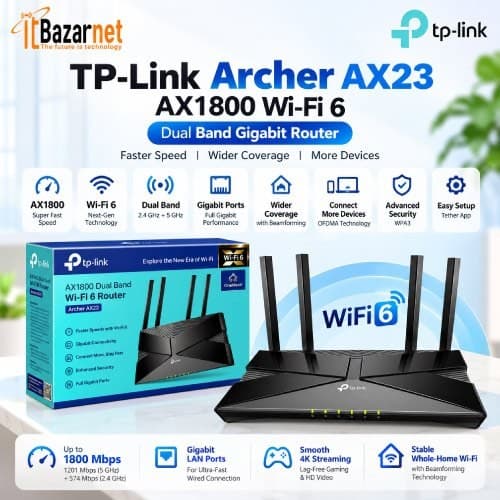
AX1500 Wi-Fi 6 routers generally cost between ৳2,500 and ৳4,500. They are a good option for modern smart homes with several connected devices.
AX3000 Wi-Fi 6 routers cost between ৳4,000 and ৳7,000. They are suitable for gaming, high-quality streaming, and busy home networks.
Mesh router systems range from about ৳3,200 to more than ৳42,000. They are designed for large homes and multi-floor spaces that need consistent whole-home Wi-Fi coverage.
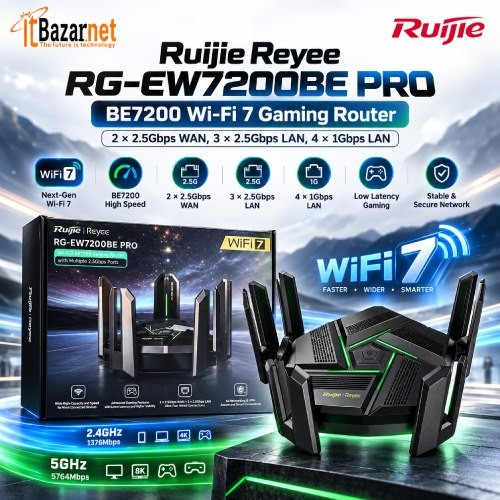
Gaming routers generally cost between ৳6,000 and more than ৳26,000. They are intended for competitive gaming, heavy usage, and users who need lower latency and advanced network controls.
Which router brands are most popular in Bangladesh? Popular brands include TP-Link, Tenda, Mercusys, Cudy, D-Link, Netis, Netgear, Asus, Xiaomi, Linksys, and Totolink. Each brand offers options for different budgets, coverage needs, and performance levels.
TP-Link is known for its wide range of routers and strong availability across Bangladesh. It is suitable for homes, offices, and businesses that need dependable options at different price levels.
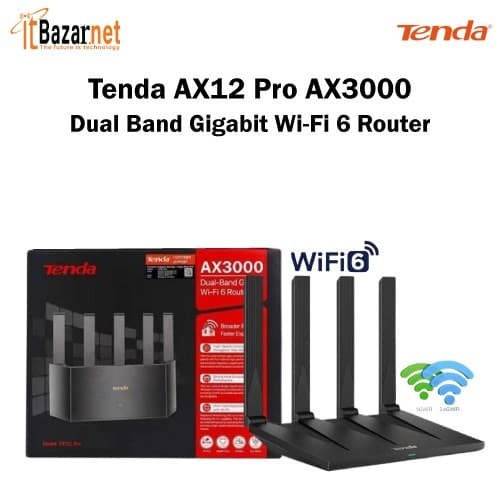
Tenda offers affordable Wi-Fi 5 and Wi-Fi 6 routers. It is a strong choice for budget-conscious users who still want modern wireless features.
Mercusys focuses on low-cost dual-band and Wi-Fi 6 routers. It is best for basic to mid-range home users who want simple, affordable networking equipment.
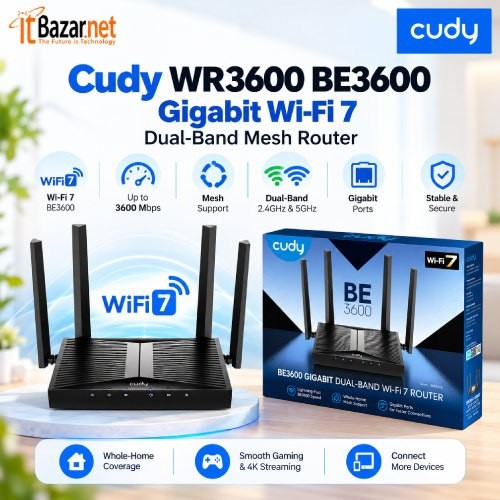
Cudy provides compact Wi-Fi 6 and mesh router options. It is suitable for small homes and value-focused buyers looking for practical performance.
D-Link offers dual-band routers and mesh networking products. It is a good option for homes and small offices that need flexible network coverage.
Netgear is recognized for premium routers and mesh systems. It is best for performance-focused users who need stronger coverage and advanced features.
Asus specializes in gaming and high-performance routers. It is ideal for gamers, streamers, and power users who need low latency and advanced controls.
Xiaomi offers value-oriented smart routers. It is a practical choice for budget home users who want modern features at a lower price.
Totolink provides affordable dual-band and mesh products. It is suitable for homes and small offices seeking budget-friendly networking solutions.
Linksys focuses on premium home networking products. It is best for large homes and advanced users who need reliable coverage and higher-end performance.
ITbazar.net offers wireless routers and networking products from popular brands, with online ordering and nationwide courier delivery.
How do you choose the right Wi-Fi router? Start with your internet speed, home size, number of devices, and usage type. A router that works well for a small flat may not provide stable coverage in a large multi-floor house.
Does your router support your internet plan? If you have a 100 Mbps or faster fiber connection, choose a router with Gigabit WAN and LAN ports. A Fast Ethernet router can limit the real speed of a high-speed fiber connection.
How large is your home? For a small apartment, a dual-band router may be enough. For a large home, duplex, or multi-floor building, a mesh system usually provides more consistent coverage than one standard router.
How many devices will connect to Wi-Fi? Modern homes often have smartphones, laptops, smart TVs, security cameras, smart bulbs, speakers, tablets, and gaming consoles connected at the same time. Wi-Fi 6 is better suited for these device-heavy environments.
Should you buy Wi-Fi 5 or Wi-Fi 6? If your budget is limited and your usage is basic, Wi-Fi 5 is still usable. If you want better performance with many devices, faster local speeds, and future readiness, Wi-Fi 6 is the smarter choice.
Why are Gigabit LAN ports important? Gigabit ports allow faster wired connections to desktop PCs, smart TVs, NAS devices, and gaming consoles. They also ensure the router can handle a 100 Mbps or faster internet plan without bottlenecking.
Before buying a router, check its wireless standard, frequency bands, speed class, ports, antennas, MU-MIMO, beamforming, QoS, and mesh support. These specifications determine speed, coverage, stability, and how well the router handles multiple devices.
The Wi-Fi standard determines the router’s speed, efficiency, and compatibility with modern devices. Wi-Fi 6 is the recommended choice for most modern homes.
The frequency band affects coverage and interference. A dual-band router is preferred because it provides both 2.4 GHz and 5 GHz connections.
The speed class indicates the router’s theoretical wireless capacity. AX1500 or AX3000 routers are suitable for most homes.
WAN and LAN ports control wired network performance. Gigabit ports are preferred because they support faster wired connections.
Antennas influence signal direction and coverage. External antennas can help improve Wi-Fi coverage in many homes.
MU-MIMO allows the router to communicate with multiple devices more efficiently at the same time. It is useful for busy networks with many connected devices.
Beamforming focuses the Wi-Fi signal toward connected devices rather than spreading it equally in all directions. This helps create more stable connections.
QoS lets the router prioritize certain types of traffic, such as gaming, video calls, or streaming. It is useful when several people share the same internet connection.
Mesh support allows you to add compatible mesh nodes to expand Wi-Fi coverage. It is the best option for large homes or multi-floor spaces.
A router’s advertised speed is a combined theoretical maximum across all bands. Real-world speed depends on your internet plan, distance from the router, walls, interference, and the number of connected devices.
A wireless router is a device that distributes an internet connection to wired and wireless devices while managing the local network.
For most homes, a dual-band Gigabit Wi-Fi 6 router is the best balance of speed, coverage, and future readiness. For larger homes, a mesh Wi-Fi system is usually better.
Basic routers start around ৳1,000 to ৳1,500, dual-band models commonly cost ৳2,000 to ৳5,000, and Wi-Fi 6 or mesh systems can cost more depending on features.
Yes, especially if you have many devices, a fast fiber connection, or a busy home network. Wi-Fi 6 improves efficiency and performs better when multiple devices are connected.
The 2.4 GHz band offers wider coverage and better wall penetration, while the 5 GHz band offers faster speeds and less interference. A dual-band router provides both.
You need a mesh router if one router cannot provide stable Wi-Fi throughout your home or office. Mesh systems are ideal for large homes, multi-floor buildings, and areas with dead zones.
In most cases, yes. A standard wireless router connects to an ONU, modem, or ISP line through Ethernet. However, you must configure the correct connection mode, such as PPPoE, DHCP, or static IP.
A Wi-Fi 6 router with Gigabit ports, QoS, low latency, and strong processing is ideal for gaming. For the lowest latency, use a wired Ethernet connection where possible.
It depends on the router’s processor, memory, wireless standard, and usage type. Basic routers may handle fewer devices efficiently, while Wi-Fi 6 and mesh systems are better for device-heavy homes.
Place it centrally and elevated, away from thick walls, metal objects, microwaves, and other interference sources. Central placement improves coverage throughout the home.

 PC Builder