1 active filter
1 active
Buy servers in Bangladesh from IT Bazar for business applications, file storage, virtualization, databases, CCTV, ERP systems and enterprise workloads. Explore tower servers, rack servers, storage servers, server racks, server components and accessories from trusted brands including Dell PowerEdge, HPE ProLiant, Lenovo ThinkSystem and more.
Showing 12 of 18 products
Warranty: 1-Years
Product Code: 785844896468
(0)
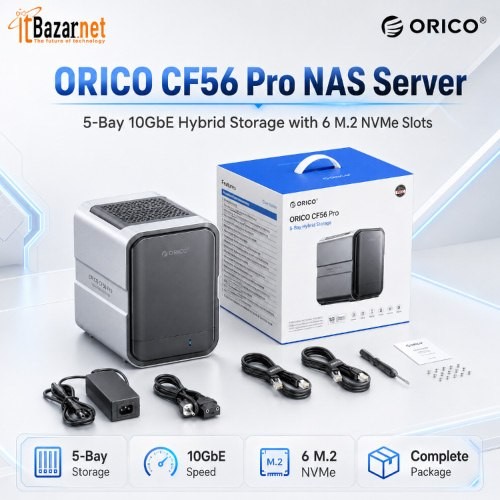
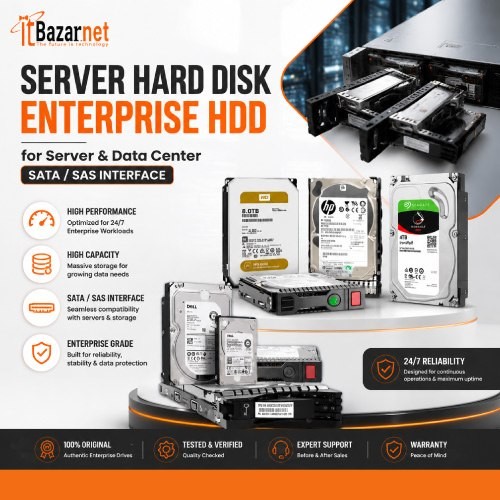
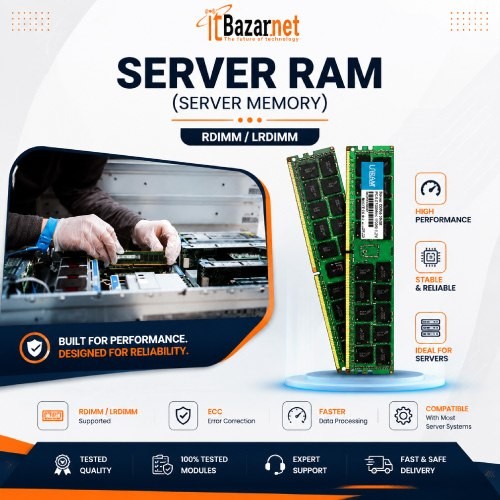
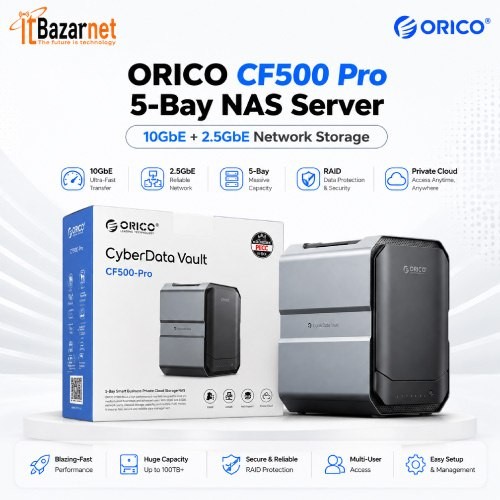
A business server is built to run essential workloads reliably. It can store files, host applications, manage users, run databases, support virtualization, power ERP software, handle backup systems and keep CCTV or network services operating.
Unlike a standard desktop PC, a server is designed for sustained workloads, remote management, expansion, redundancy and higher availability. It can use enterprise processors, ECC memory, RAID storage, redundant power supplies and dedicated management tools.
At IT Bazar, find server solutions for startups, small businesses, offices, schools, retail stores, factories, hospitals, ISPs, data centers and growing enterprises. Choose the right server based on workload, number of users, storage requirement, security needs, backup strategy and future expansion.
Server prices in Bangladesh generally range from ৳80,000 to ৳1,100,000+, depending on server type, processor, memory, storage, RAID configuration, power supply and expansion capability.
Entry-level servers are suitable for file sharing, accounting software, small databases, user management, backup and basic office workloads. These systems typically start from around ৳80,000.
Business tower servers and rack servers are built for heavier workloads. They support more users, larger storage capacity, ECC RAM, RAID protection, remote management and future upgrades. These server systems usually range from ৳150,000 to ৳350,000.
Enterprise servers for virtualization, ERP software, large databases, CCTV management, cloud applications and multi-user workloads generally range from ৳350,000 to ৳1,100,000 or more.
High-performance GPU servers, AI servers, data-center servers and large virtualization systems may cost above ৳3,000,000, depending on processor configuration, GPU capacity, RAM, storage, network cards and redundancy requirements.
The right server is not always the highest-priced model. Choose a configuration based on your workload, concurrent users, application requirements, data growth, storage needs, backup plan and expected business expansion.
Tower server prices in Bangladesh generally range from ৳80,000 to ৳800,000+, depending on processor performance, ECC RAM capacity, storage configuration, RAID support, power supply, expansion slots and remote-management features.
Entry-level tower servers are suitable for file sharing, accounting software, small databases, user management, local backups and basic office workloads. These systems typically start from around ৳80,000 to ৳150,000.
Mid-range tower servers are designed for growing businesses that need stronger processing power, more memory, larger storage capacity and improved data protection. They are suitable for ERP software, multi-user applications, CCTV storage, branch-office systems and business file servers. These models generally range from ৳180,000 to ৳400,000.
High-performance tower servers are built for demanding workloads, including database systems, virtualization, enterprise applications, large storage requirements and multiple concurrent users. These configurations can cost ৳400,000 to ৳800,000 or more.
Tower servers are a practical choice for small offices, retail businesses, branch offices and organisations without a dedicated server rack. They are easier to place in an office environment and usually provide accessible options for memory, storage and expansion upgrades.
Choose a tower server based on your number of users, business applications, memory requirement, storage growth, RAID requirement, backup plan and expected workload over the next three to five years.
Rack server prices in Bangladesh generally range from ৳146,000 to ৳1,100,000+, depending on processor generation, CPU core count, ECC RAM capacity, storage type, RAID controller, drive bays, network connectivity, power redundancy and remote-management features.
Entry-level rack servers are suitable for small business workloads such as file sharing, user management, backup, accounting software, small databases, web applications and basic CCTV management. These systems generally range from ৳146,000 to ৳250,000.
Business rack servers are suitable for ERP systems, multi-user applications, virtual machines, larger databases, email servers, CCTV systems and centralised business storage. These configurations typically range from ৳250,000 to ৳600,000.
Enterprise rack servers are designed for demanding workloads, including virtualization, high-availability applications, large databases, cloud platforms, enterprise storage, business-critical applications and data-center environments. These systems can range from ৳600,000 to ৳1,100,000 or more.
Rack servers are installed in server racks or data-center cabinets. They are ideal for businesses that need higher compute density, centralised hardware management, scalable storage and structured infrastructure growth.
Rack servers are available in different rack sizes. A 1U rack server uses less cabinet space and works well where density matters. A 2U rack server usually provides more room for storage drives, PCIe expansion cards, cooling systems and higher-capacity hardware configurations.
Choose a rack server based on the number of users, applications, virtual machines, storage requirement, RAM requirement, network speed, backup strategy, rack capacity and future expansion plan.
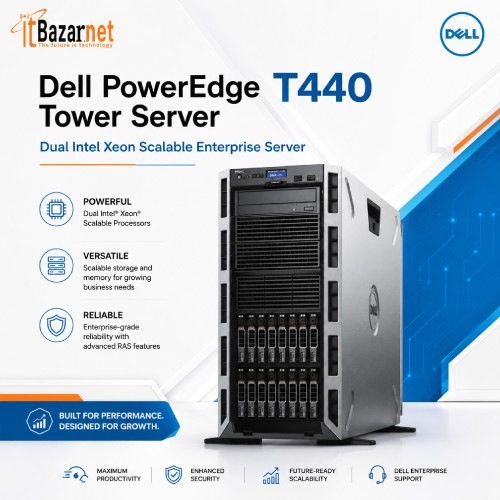
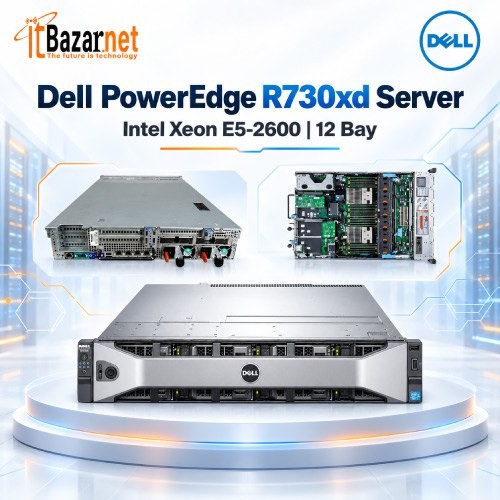
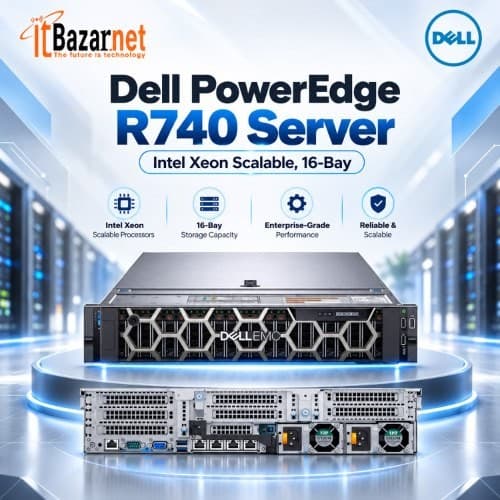
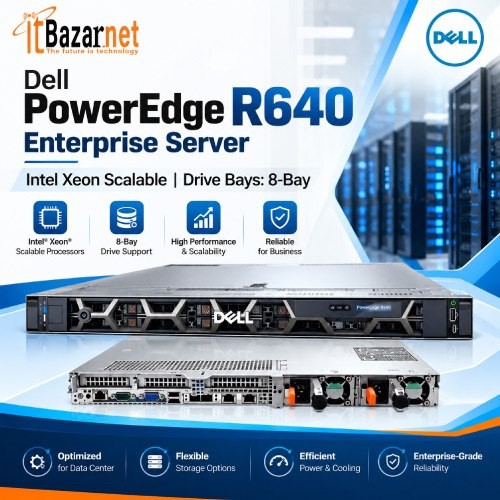
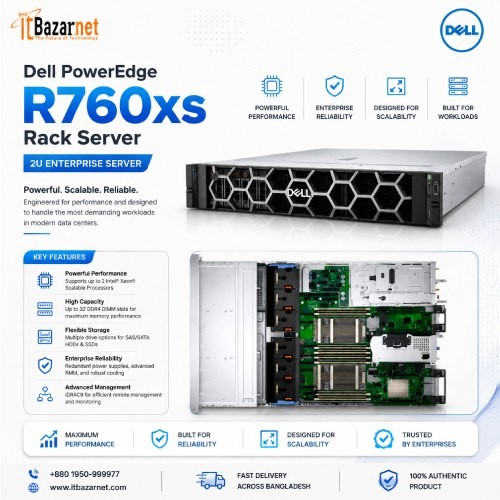
Dell PowerEdge servers are widely used for small business, enterprise, virtualization, storage, database and data-center workloads. The PowerEdge range includes tower servers, rack servers and high-performance scalable systems.
Dell PowerEdge T-series servers are tower models. They are suited to office environments and smaller IT deployments. Dell PowerEdge R-series servers are rack-mounted systems intended for server rooms and data centers.
Entry-level Dell PowerEdge servers can start around ৳180,000 to ৳300,000, depending on configuration. Mid-range rack servers commonly range from ৳450,000 to ৳850,000. High-capacity Dell PowerEdge systems can exceed ৳1,000,000.
Choose the configuration based on workload. A file server needs a different setup from a virtual-machine host, database server or AI server.
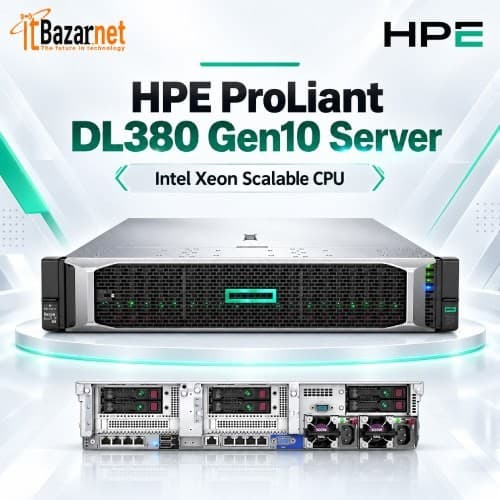
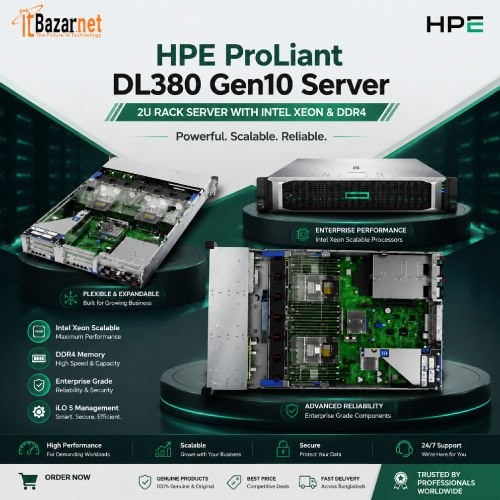
HPE ProLiant servers are used by businesses that require robust management tools, scalable storage, enterprise reliability and flexible configuration options.
HPE MicroServer models are suitable for smaller deployments. HPE ML-series servers are tower systems for offices and growing businesses. HPE DL-series servers are rack servers built for server-room and data-center environments.
HPE MicroServer and entry-level tower server configurations typically begin around ৳199,900 to ৳239,000. HPE DL20 rack servers are around ৳400,000, while higher-specification HPE DL380 servers can range from ৳840,000 to ৳1,000,000 or more.
HPE ProLiant server price in Bangladesh: ৳199,900 to ৳1,000,000+
Lenovo ThinkSystem servers are designed for business infrastructure, virtualization, storage, database workloads and enterprise applications. Like Dell PowerEdge and HPE ProLiant systems, they are available in tower and rack formats.
Enterprise server pricing depends less on the brand name than on the deployed configuration. Processor count, CPU cores, ECC memory, storage drives, RAID configuration, network interfaces, power supplies and service coverage have the greatest impact on cost.
For a fair comparison, compare fully configured systems. A low listed price may exclude RAM, storage drives, RAID cards, operating systems, rails, network cards or warranty upgrades.
The processor is a major part of server performance. Servers often use Intel Xeon processors or AMD EPYC processors, depending on model and workload.
Entry-level server processors are suited to file sharing, small databases, user authentication, print services and light application workloads. Higher-core-count processors are better for virtualization, large databases, enterprise resource planning, analytics and multi-user services.
Do not select a server only by CPU generation or clock speed. Core count, memory capacity, workload type, software licensing, virtualization needs and storage performance all matter.
A server running several virtual machines may benefit more from additional CPU cores and ECC RAM than from a slightly faster single processor.
ECC RAM is memory designed to detect and correct certain data errors. It is widely used in servers because reliability matters for business data, databases, virtual machines and continuous workloads.
Basic server configurations may include 8GB, 16GB or 32GB of RAM. For business applications and virtualization, 64GB, 128GB or more may be necessary.
Memory requirements depend on the operating system, number of users, database size, virtual machines and applications. Insufficient RAM causes slow performance even when the processor is powerful.
Plan for expansion. Buy a server platform with enough memory slots and supported capacity to meet growth requirements over several years.
Server storage affects capacity, speed, uptime and data protection. A server can use HDDs, SATA SSDs, SAS SSDs, NVMe SSDs or a combination of different storage types.
Hard disk drives provide larger capacity at a lower cost per terabyte. SSDs provide faster application performance, quicker database response and lower latency. NVMe SSDs offer even higher speed for demanding databases, virtualization and performance-sensitive workloads.
RAID combines multiple drives to improve availability, performance or both. RAID 1 mirrors data across two drives. RAID 5 and RAID 6 can provide capacity efficiency with fault tolerance. RAID 10 combines performance and redundancy, but it requires more drives.
RAID is not a backup. It helps reduce downtime after drive failure. A separate backup strategy is still required.
A hardware RAID controller manages storage drives and RAID configurations. It can improve storage reliability and support advanced features such as cache protection, drive monitoring and fault-tolerant arrays.
Many entry-level systems use onboard RAID or basic software RAID. Business and enterprise servers often use dedicated RAID controllers for stronger performance and data protection.
Select RAID hardware based on drive type, number of drives, required RAID level, cache needs and workload. Database servers and virtualization hosts usually need more storage planning than basic file servers.
Server rack prices in Bangladesh generally range from ৳10,500 to ৳120,000+, depending on rack height, depth, load capacity, material quality, door type, cooling provision, cable-management features, included accessories and security features.
A server rack protects and organises rack-mounted servers, network switches, patch panels, UPS units, PDUs and other networking equipment. It improves cable management, airflow, physical security, equipment access and long-term maintenance.
Small wall-mounted server racks and compact floor-standing racks are suitable for routers, switches, patch panels, NVRs, small UPS units and compact networking installations. These server racks generally start from around ৳10,500 to ৳20,000.
Medium-sized server racks are suitable for growing offices, CCTV systems, server rooms, structured network installations and multiple rack-mounted devices. These racks generally range from ৳20,000 to ৳50,000.
Large server racks are designed for enterprise equipment, data-center environments, multiple rack servers, storage devices, UPS systems and high-density network infrastructure. These units can range from ৳50,000 to ৳120,000 or more.
Server racks are available in different heights, commonly measured in the U. A 9U or 12U rack is suitable for compact equipment setups. A 22U or 27U rack provides more room for growing office and network infrastructure. A 32U or 42U rack is a better choice for server rooms, larger IT environments and future equipment expansion.
Before buying a server rack, calculate the total U-space required for servers, network switches, patch panels, UPS units, PDUs, cable managers, cooling space and planned future hardware.
Servers should not rely on an unprotected power supply. A sudden power failure can interrupt services, damage data, corrupt databases and reduce hardware life.
A UPS provides temporary backup power. It can also help protect against voltage fluctuations and allow a controlled shutdown during extended outages.
Choose UPS capacity based on the total wattage of servers, storage, networking equipment and required runtime. For critical systems, consider online UPS units, external battery packs, redundant power supplies and backup power planning.
A server with redundant power supplies improves hardware resilience, but both power supplies should ideally connect to separate protected power sources.
A server without a tested backup strategy is a business risk. Hardware failure, accidental deletion, ransomware, fire, theft and configuration mistakes can all cause data loss.
Use the 3-2-1 backup approach where practical:
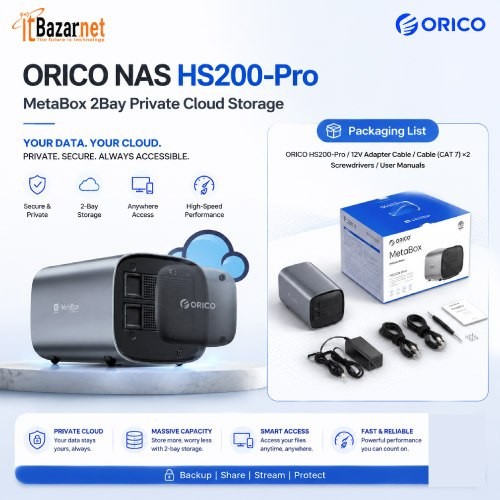
Backups can be stored on external drives, NAS systems, secondary servers, cloud storage or off-site facilities. The key requirement is recovery testing. A backup that cannot be restored is not a reliable backup.
Virtualization allows one physical server to run multiple virtual servers. Each virtual machine can run its own operating system and business application.
A virtualization server can consolidate file servers, domain controllers, accounting software, databases, application servers and test environments onto one managed hardware platform.
Virtualization can reduce hardware sprawl. It also improves backup flexibility and makes future scaling easier. However, it increases the importance of CPU cores, ECC RAM, high-speed storage, RAID planning and backup infrastructure.
For a virtualized environment, plan resources for peak load rather than average load.
Different workloads require different server configurations.
A CCTV server or NVR-focused system needs reliable storage capacity, suitable RAID design, enough network bandwidth and retention planning. It may prioritise large-capacity HDDs over extreme processor performance.
An ERP or database server needs strong CPU performance, ECC RAM, fast storage, data protection and stable backup processes.
A file server needs storage capacity, user-access controls, network connectivity, redundancy and a clear backup policy.
A virtualization host needs multi-core processing, substantial ECC RAM, fast SSD or NVMe storage and enough network capacity for users and virtual machines.
Buying one generic server configuration for every workload is a common mistake. Match the server to the actual application.
Choose a server by working backward from the workload.
First, identify what the server will run. List applications, users, data size, expected growth, required uptime and compliance needs.
Then calculate processor, memory, storage, networking and backup requirements. A server with too little RAM or storage will become a bottleneck quickly. A server with expensive specifications that the workload does not need wastes capital.
Consider these factors before buying:
A tower server stands upright like a desktop computer and is suitable for small offices or locations without a server rack. A rack server installs inside a server rack and is better for server rooms, data centers, expandable infrastructure and multi-server environments.
Server prices in Bangladesh generally start from around ৳80,000 for entry-level systems. Business servers commonly range from ৳150,000 to ৳350,000. Enterprise rack servers can range from ৳350,000 to ৳1,000,000 or more, depending on processor, RAM, storage, RAID and management features.
A tower server is often the practical choice for a small business that needs file sharing, accounting software, basic database services, CCTV storage or local applications. The best option depends on user count, storage requirement and application workload.
A server is usually better for critical business workloads because it is designed for reliability, expansion, remote management, ECC memory, RAID storage and continuous use. A desktop may be enough for temporary or non-critical tasks, but it is not a substitute for a properly configured server.
Basic file-sharing or office workloads may work with 16GB to 32GB ECC RAM. Database, ERP and virtualization workloads usually require 64GB, 128GB or more. The correct amount depends on concurrent users, applications and expected growth.
RAID combines several storage drives to improve data availability, performance or both. RAID can reduce downtime after a drive fails, but it does not replace a separate backup.
Use HDDs when you need larger storage capacity at a lower cost. Use SSDs or NVMe drives when application speed, database response and virtualization performance matter. Many servers use both.
Yes. A UPS helps protect the server from power loss and voltage issues. It provides time for controlled shutdown and can reduce the risk of data corruption.
Yes. A properly configured server can run multiple applications. Virtualization allows several isolated virtual servers to run on one physical server, but the hardware must have enough CPU, RAM, storage and network capacity.
Choose warranty and service coverage based on the cost of downtime. A business running critical systems should consider faster support response, longer warranty terms and availability of replacement parts.

 PC Builder