1 active filter
1 active
Find the right networking and telecommunications equipment in Bangladesh at ITbazar.net. Browse products such as ONUs, OLTs, routers, switches, fiber optic accessories, antennas, and wireless devices for home, office, ISP, and enterprise use. Compare your options and choose reliable equipment for smooth and stable network performance.
Showing 12 of 94 products
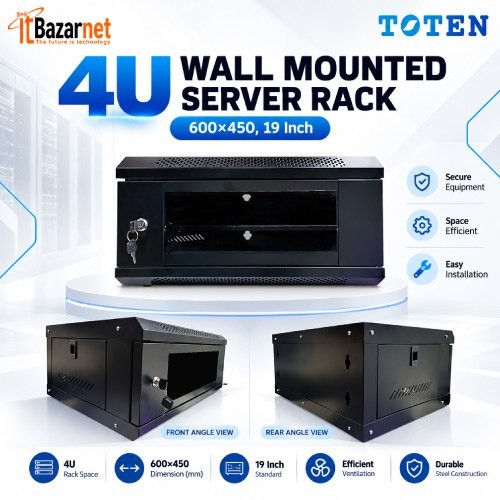
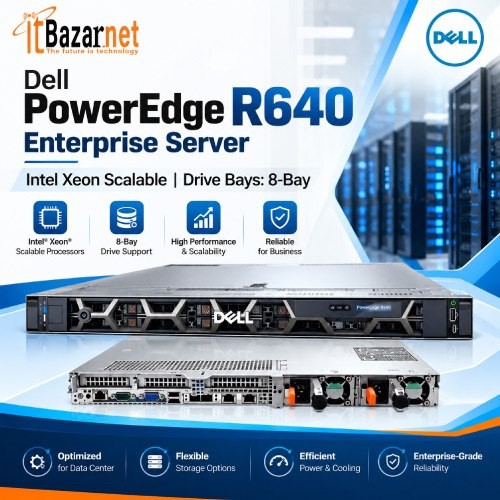
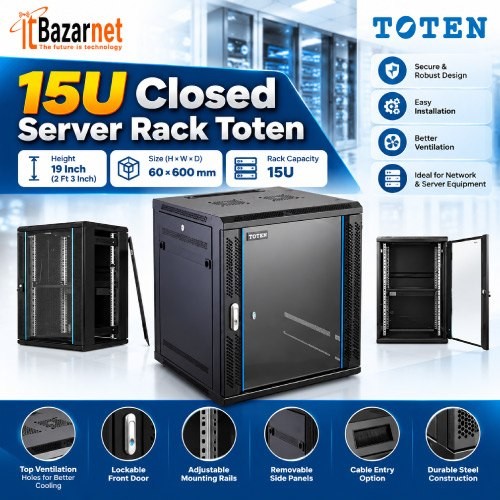
Warranty: 1-Years
Product Code: 608880400254
(0)
Telecommunication equipment includes the hardware and systems used to transmit, receive, route, manage, and secure voice, data, and video communication over wired or wireless networks. In modern Bangladesh, this category covers fiber optic devices, ONU and OLT equipment, routers, switches, antennas, wireless access points, modems, media converters, and ISP infrastructure products.
Telecommunication is no longer limited to telephone systems. Today, it includes broadband internet, FTTH networks, wireless connectivity, cloud communication, IP surveillance, VoIP, enterprise networking, and data transmission. As businesses, homes, schools, factories, and ISPs depend more on digital connectivity, the demand for dependable telecommunication equipment continues to grow.
Why does telecommunication equipment matter so much in Bangladesh? Reliable communication infrastructure supports remote work, online education, e-commerce, digital banking, telemedicine, cloud applications, CCTV surveillance, and business communication. Without stable networking hardware, even a fast internet connection can suffer from downtime, poor coverage, or security risks.
For homes, telecommunication products may include routers, ONUs, Wi-Fi access points, and fiber accessories. For offices and enterprises, the category expands to managed switches, firewalls, servers, structured cabling, wireless controllers, and business-grade communication systems. For ISPs, it includes OLTs, ONUs, fiber cables, splitters, patch cords, media converters, and network management tools.
What can you find under telecommunication equipment in Bangladesh? The category includes a broad range of products used to build, expand, and maintain communication networks. ITbazar.net offers products such as EPON OLTs, ONUs, fiber products, routers, and other communication equipment for ISPs, businesses, and individual users.
Common products include ONUs, ONTs, OLTs, SFP modules, patch cords, and splitters. These products serve ISPs, offices, and homes.
Routers, switches, access points, and firewalls fall under networking devices. Their primary users include homes, offices, and enterprises.
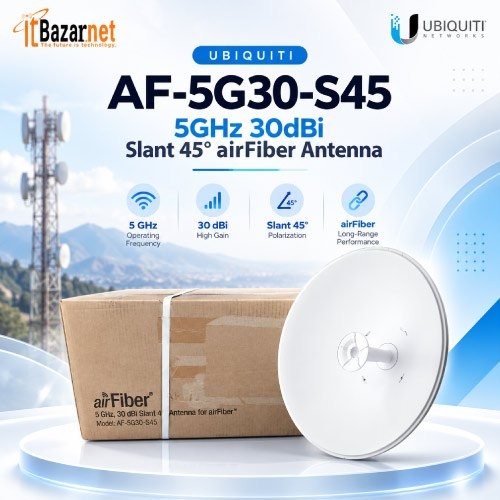
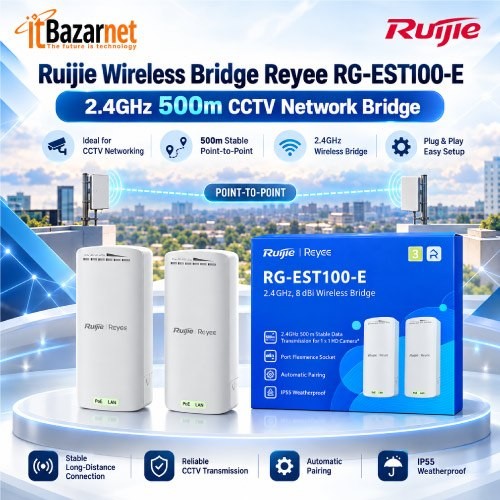
This category includes antennas, 4G routers, Wi-Fi devices, and wireless bridges. These products serve homes, rural areas, and businesses.
Common products include OLTs, ONUs, fiber cables, media converters, and PoE devices. Their primary users are ISPs and network operators.
IP phones, VoIP systems, servers, and network controllers are common enterprise communication products. They primarily serve corporate offices and institutions.
This category includes IP cameras, NVRs, PoE switches, and network cabling. These products serve businesses, factories, and homes.
Are telecommunication and networking equipment the same? They overlap significantly, but they are not identical. Telecommunication focuses on transmitting information across distances, while networking focuses on connecting devices within a local or wide-area network.
A router, for example, is both a networking and telecommunication device because it routes internet traffic between a local network and an external network. An OLT, on the other hand, is more specifically a telecommunication and ISP-side fiber access device. Fiber cables, antennas, media converters, and ONU devices also fall strongly within the telecommunication category.
What is an ONU, and why is it important? An ONU (Optical Network Unit) is a customer-side fiber device that converts optical signals from an ISP’s fiber network into Ethernet signals for local devices. It is one of the most common telecommunication products used in FTTH internet connections.
ONUs are available in EPON, GPON, and XPON versions. Basic models provide one Ethernet port for connecting a router, while advanced models include Wi-Fi, multiple LAN ports, VoIP support, and PoE functionality. For homes and small offices, an ONU is often the first device installed where the fiber connection enters the premises.
What is an OLT, and who should buy one? An OLT (Optical Line Terminal) is an ISP-side device that manages multiple ONUs over a passive optical network. It is not usually purchased by ordinary home users; instead, it is used by internet service providers, housing projects, corporate campuses, and large network operators.
An OLT connects to the ISP’s core network and distributes fiber connectivity to many subscribers through splitters and fiber distribution infrastructure. It manages authentication, bandwidth allocation, VLANs, and communication with registered ONUs.
What is FTTH, and why is it important? FTTH (Fiber to the Home) is a broadband architecture where optical fiber extends directly to a home or business premises. It provides higher bandwidth potential, better signal quality over distance, and improved reliability compared with older copper-based networks.
In an FTTH setup, the ISP’s OLT sends data through fiber infrastructure to a splitter, which distributes the signal to multiple ONUs. Each ONU then converts the optical signal into Ethernet or Wi-Fi connectivity for local users. This structure allows ISPs to serve many customers efficiently over shared fiber infrastructure.
Which communication technology is best: fiber, wireless, or wired Ethernet? Each has a different role, and most modern networks use a combination of all three.
| Technology | Transmission Medium | Main Advantages | Common Use |
| Fiber optic | Light through glass fiber | High bandwidth, long distance, low interference | FTTH, ISP backbone, enterprise networks |
| Wired Ethernet | Copper cable | Stable, low latency, easy local deployment | Offices, gaming, CCTV, LANs |
| Wireless | Radio signals | Mobility, flexible installation, wide coverage | Homes, offices, outdoor links |
| Mobile network | Cellular radio | Portable and widely available | Mobile internet, backup connectivity |
Fiber is generally preferred for high-capacity backbone and last-mile broadband, while wireless is ideal for mobility and areas where cable installation is difficult. Wired Ethernet remains essential for stable office networks, surveillance systems, and high-performance local connections.
How much does telecommunication equipment cost in Bangladesh? Networking equipment prices in Bangladesh can range from ৳250 for basic connectivity products to ৳9,50,000 for advanced routers and enterprise infrastructure. Wi-Fi access points alone can range from around ৳25,000 to ৳90,000 depending on the standard, coverage, and enterprise features.
The price range is ৳250 to ৳2,000. Typical buyers include home users and small offices.
Prices range from ৳1,000 to ৳10,000 or more. These devices typically serve homes, shops, and small offices.
Prices range from ৳700 to ৳9,000 or more. Typical buyers include home fiber and small business users.
Prices range from ৳3,000 to ৳50,000 or more. These products primarily serve offices and enterprises.
Prices range from ৳5,000 to ৳90,000 or more. Typical buyers include businesses, hotels, and campuses.
Prices range from ৳10,000 to ৳9,50,000 or more. These devices primarily serve enterprises and ISPs.
Prices vary by capacity and number of ports. Typical buyers include ISPs and large networks.
Which brands should you consider for telecommunication equipment in Bangladesh? Popular brands include TP-Link, Tenda, Mercusys, BDCOM, C-Data, VSOL, Huawei, ZTE, MikroTik, Ubiquiti, Aruba, Cisco, D-Link, Netis, and Cudy. The best brand depends on whether you need home Wi-Fi, ISP fiber equipment, enterprise networking, or outdoor wireless connectivity.
TP-Link: TP-Link offers a broad range of routers, switches, and business networking products. It serves homes, offices, and enterprises.
Tenda: Tenda focuses on affordable routers, ONUs, and Wi-Fi products. It is suited to home and small-office users.
Mercusys: Mercusys offers budget-friendly wireless networking products. It is suited to basic home users.
BDCOM: BDCOM offers ONUs, OLTs, switches, and ISP products. It serves ISPs and enterprises.
C-Data: C-Data specializes in FTTH and PON equipment. It serves ISPs and installers.
VSOL: VSOL offers GPON, EPON, and XPON devices. It serves ISPs and system integrators.
Huawei: Huawei offers carrier-grade telecommunications and enterprise equipment. It serves large businesses and operators.
ZTE: ZTE provides telecommunications infrastructure and ONU/ONT products. It serves ISPs and enterprises.
MikroTik: MikroTik focuses on advanced routing and wireless control. It is suited to ISPs and technical users.
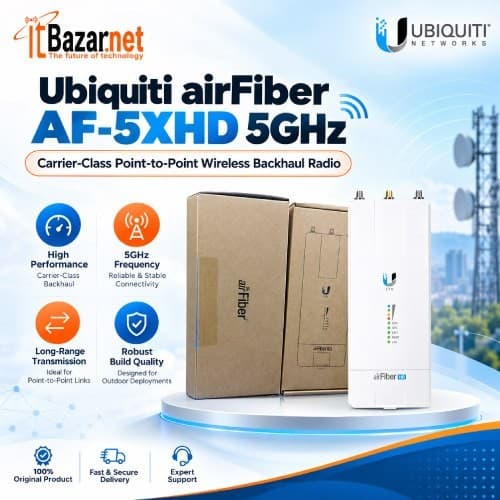
Ubiquiti: Ubiquiti offers outdoor wireless and enterprise networking products. It serves businesses and wireless internet service providers (WISPs).
Aruba: Aruba focuses on enterprise Wi-Fi and network access. It serves corporate and campus networks.
ITbazar.net supplies all types of telecommunication products across Bangladesh and operates showrooms in Dhaka and Chattogram, along with nationwide courier delivery.
How do you choose the right telecommunication product? Start by defining the purpose of the network, the number of users, the required coverage area, the internet speed, and the level of security needed. A device that works well for a small home may not be suitable for an office, factory, hotel, or ISP deployment.
What should a home user buy? Most homes need an ONU or ONT for fiber internet, a dual-band Wi-Fi router, and sometimes a Wi-Fi extender or mesh system for larger spaces. For fiber connections above 100 Mbps, choose Gigabit LAN ports and a router that supports modern wireless standards.
What does a small office need? A small office usually requires a reliable router, Gigabit switch, Wi-Fi access point, and possibly a firewall or VPN-capable device. If the office uses CCTV, VoIP, cloud software, or many connected devices, managed networking equipment becomes more important.
What should enterprises prioritize? Businesses, universities, hospitals, factories, and government organizations should focus on scalability, security, redundancy, centralized management, and high-capacity switching. Enterprise Wi-Fi access points, managed switches, firewalls, controllers, and structured cabling are commonly required.
What equipment do ISPs and network operators need? ISPs need optical line terminals (OLTs), optical network units (ONUs), fiber-optic cables, splitters, media converters, Power over Ethernet (PoE) devices, routers, and network management systems. Together, these components must accommodate subscriber growth, enable remote management, ensure reliable authentication, and distribute bandwidth efficiently.
What is the difference between a router, switch, and modem? These devices perform different jobs, although some products combine multiple functions in one unit.
| Device | Main Function | Common Placement |
| Modem | Converts signals between different network types | Between ISP line and router |
| Router | Routes traffic, manages DHCP, NAT, firewall, and Wi-Fi | Between modem/ONU and local devices |
| Switch | Expands wired Ethernet ports | Between router and multiple wired devices |
| Access point | Adds Wi-Fi coverage to a wired network | Connected to router or switch |
| ONU/ONT | Converts fiber signal to Ethernet | Where fiber enters the premises |
| OLT | Manages multiple ONUs on ISP side | ISP data center or network hub |
A router connects your local network to the internet, while a switch expands the number of wired connections available. A modem or ONU handles signal conversion at the ISP connection point.
How do you choose a Wi-Fi router? Look at wireless standard, coverage area, number of devices, LAN port speed, processor capacity, and security features. For modern homes, a dual-band Wi-Fi 5 or Wi-Fi 6 router is usually preferable to a basic single-band model.
Wi-Fi 6 routers use technologies such as OFDMA and MU-MIMO to handle multiple devices more efficiently. This is useful in homes with smart TVs, smartphones, laptops, security cameras, gaming consoles, and smart-home devices connected at the same time.
A Wi-Fi access point connects to a wired network and provides wireless connectivity over a specific area. Unlike a router, an access point usually does not manage the internet connection itself; it extends Wi-Fi coverage from the main network.
Access points are ideal for offices, hotels, hospitals, schools, factories, and large homes where one router cannot provide consistent coverage. Enterprise access points often support centralized management, multiple SSIDs, VLANs, roaming, and higher client capacity.
Why do offices need network switches? A network switch allows multiple wired devices to connect through one router or network backbone. It is essential for offices with computers, printers, IP cameras, access points, servers, and VoIP phones.
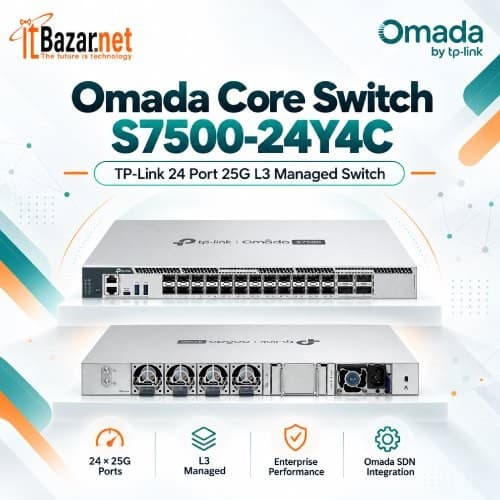
Switches are available in unmanaged, smart, and managed versions. Unmanaged switches are simple plug-and-play devices, while managed switches offer VLANs, QoS, link aggregation, monitoring, and advanced traffic control. For business networks, managed switches provide better security and scalability.
What is a 4G LTE router, and who should use one? A 4G LTE router uses a mobile SIM card to provide internet connectivity through cellular networks. It is useful where fixed broadband is unavailable, unreliable, or difficult to install.
4G routers are commonly used in rural locations, temporary offices, construction sites, vehicles, shops, and as backup internet connections. Some models include external antenna ports, allowing users to improve signal reception in weak coverage areas.
Why are antennas important in telecommunication? Antennas transmit and receive radio signals for wireless communication. They are used in Wi-Fi systems, 4G routers, point-to-point wireless links, radio communication, and ISP backhaul connections.
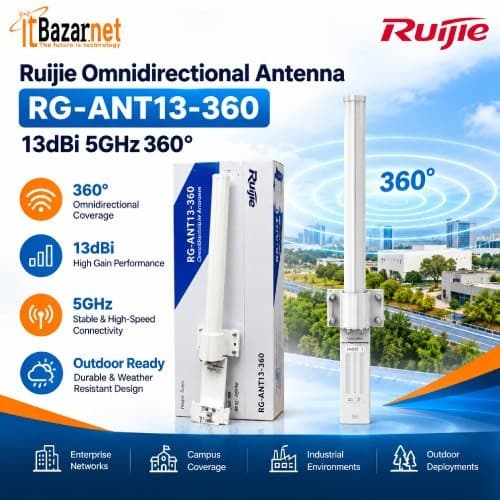
The right antenna can improve signal strength, coverage, and connection stability. However, antenna placement, cable quality, frequency band, and interference also affect performance. For outdoor links, directional antennas are commonly used to connect two distant locations, while omnidirectional antennas provide coverage in multiple directions.
What is fiber optic communication? Fiber optic communication transmits data as light signals through thin strands of glass or plastic fiber. It supports high bandwidth, long-distance transmission, and low signal loss compared with traditional copper cabling.
Fiber is widely used in ISP backbones, FTTH networks, office buildings, data centers, CCTV systems, and campus networks. Fiber optic products include cables, patch cords, splitters, connectors, media converters, SFP modules, OLTs, and ONUs.
What is a media converter, and when is it needed? A media converter connects two different types of network media, commonly fiber optic cable and copper Ethernet cable. It allows a fiber link to connect to devices that only have RJ45 Ethernet ports.
Media converters are useful in office buildings, CCTV systems, industrial environments, and ISP networks where fiber must connect to Ethernet-based equipment. They are available in standalone and rack-mount versions, with managed and unmanaged options.
VoIP (Voice over Internet Protocol) is a technology that transmits voice calls over an IP network instead of a traditional telephone line. It is widely used by businesses to reduce communication costs and integrate voice services with office networks.
VoIP systems may include IP phones, PBX systems, gateways, headsets, and session border controllers. A stable network with proper QoS configuration is important for clear voice calls, especially when the network also handles video conferencing, cloud applications, and large file transfers.
For most homes, a fiber ONU or ONT paired with a dual-band Wi-Fi router is a practical setup. Larger homes may also need mesh Wi-Fi or additional access points for complete coverage.
If your ONU does not include Wi-Fi or routing functions, yes. A router distributes the internet connection to multiple wired and wireless devices. A Wi-Fi ONU can combine both functions in one device.
Prices vary widely by product type. Basic accessories may start from a few hundred taka, while enterprise routers, access points, and ISP infrastructure can cost from thousands to several lakh taka.
There is no single best brand for every need. TP-Link, Tenda, BDCOM, Huawei, ZTE, MikroTik, Ubiquiti, and Aruba are popular choices depending on whether the requirement is home Wi-Fi, ISP fiber, or enterprise networking.
Yes. Routers, switches, PoE devices, fiber media converters, and ONUs are commonly used to build IP CCTV networks for homes, offices, factories, and public facilities.
A reliable small-office setup usually includes a fiber ONU or modem, a business router or firewall, a Gigabit switch, and one or more Wi-Fi access points. This provides stable wired and wireless connectivity for staff and guests.
ITbazar.net offers telecommunication, networking, fiber optic, and security products online, with courier delivery across Bangladesh.

 PC Builder