1 active filter
1 active
Buy networking products in Bangladesh from IT Bazar for fast, secure and stable internet connectivity. Shop Wi-Fi routers, network switches, wireless access points, range extenders, mesh Wi-Fi systems, LAN adapters, Ethernet cables and networking accessories for homes, offices, schools, shops and businesses. Find the right network solution for every device, room and workload.
Showing 12 of 180 products
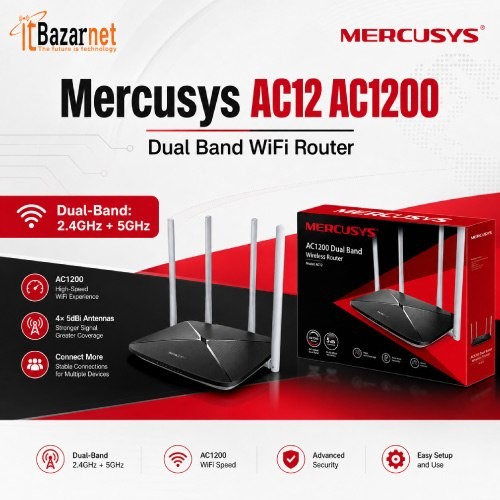
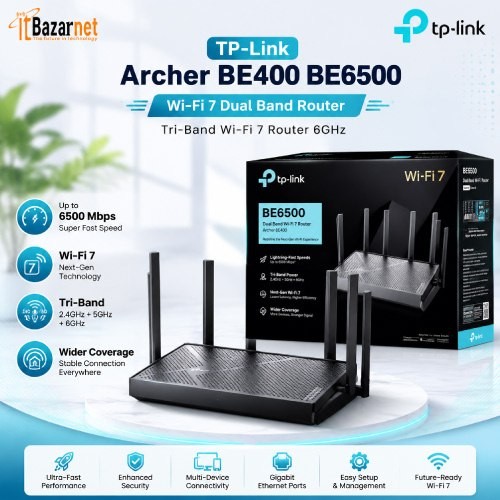
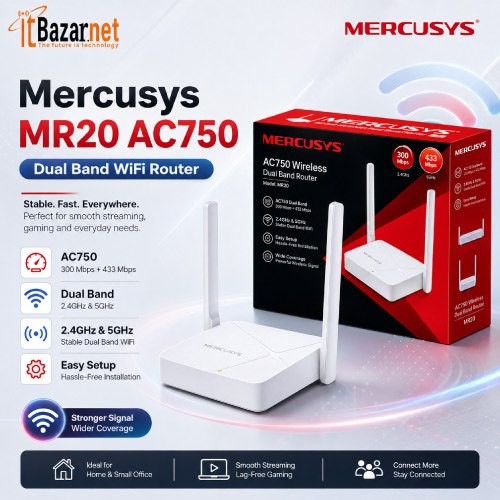
A strong network keeps your home, office and business connected. It supports video calls, cloud software, online learning, streaming, security cameras, gaming, printers and smart devices.
IT Bazar offers networking products for everyday internet use and professional network setups. Choose from Wi-Fi routers, network switches, wireless access points, mesh Wi-Fi systems, range extenders, Ethernet adapters, LAN cables, PoE devices and essential networking accessories.
The right device depends on your internet connection, building size, number of users and type of work. A small flat, a busy office and a multi-floor business need very different networking solutions.
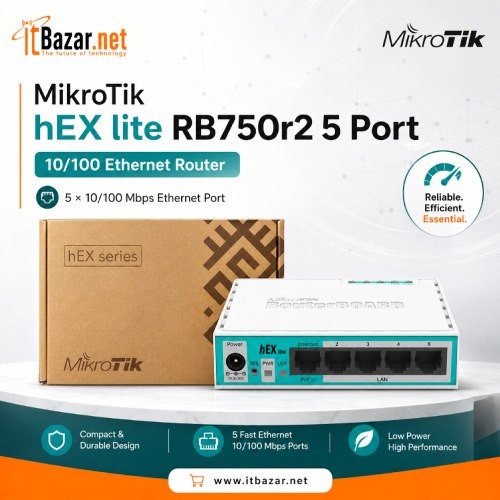
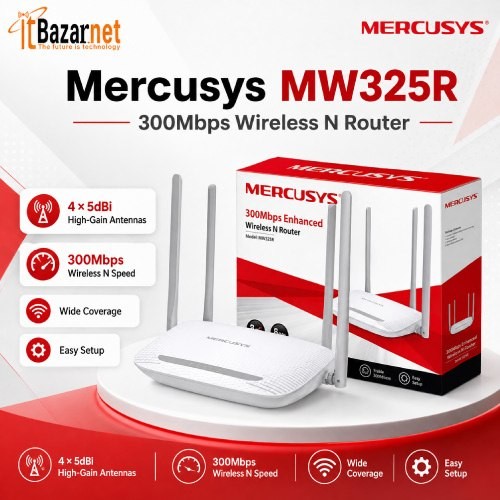
A Wi-Fi router connects your devices to the internet. It manages wireless connections and often provides wired LAN ports for computers, smart TVs, game consoles, printers and network storage.
A basic router may be enough for browsing, social media and a few mobile devices. A more advanced router is better for high-speed broadband, video meetings, 4K streaming, online gaming and homes with many connected devices.
When buying a Wi-Fi router, consider Wi-Fi standard, dual-band or tri-band support, LAN port speed, coverage area, security features and device capacity.
For most users, a dual-band router is a practical starting point. It can use both 2.4 GHz and 5 GHz wireless bands. The 2.4 GHz band generally reaches farther, while 5 GHz can deliver faster speeds over shorter distances.
A network switch adds more Ethernet ports to your network. It allows multiple wired devices to communicate through the same local network.
Network switches are useful for desktop computers, IP cameras, NVR systems, smart TVs, gaming consoles, printers, access points and office workstations. Wired Ethernet is often more stable than Wi-Fi. It also delivers lower latency and more predictable performance.
Gigabit network switches are a strong choice for most modern homes and offices. They support faster local transfers than older 10/100 Mbps switches and are better suited for high-speed broadband plans.
Choose an unmanaged switch for simple plug-and-play connectivity. It requires minimal setup and works well for homes, small offices and shops.
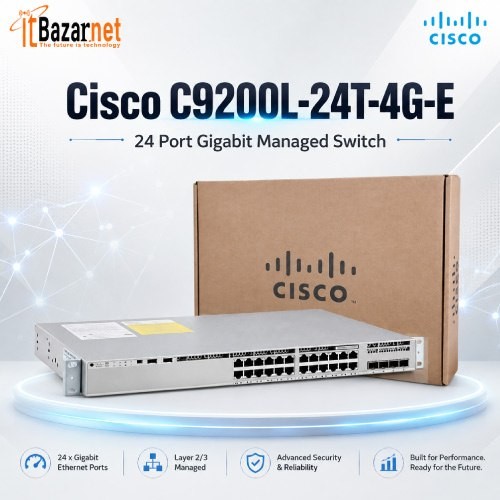
Choose a managed switch when you need more network control. Managed switches can support VLANs, traffic monitoring, Quality of Service settings, access controls and device-level management.
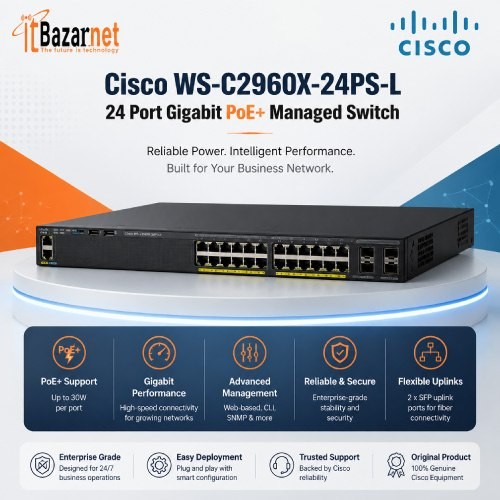
A PoE switch provides both network data and electrical power through a single Ethernet cable. PoE means Power over Ethernet.
PoE switches are useful for IP cameras, wireless access points, VoIP phones and other compatible network devices. They reduce the need for separate power adapters near each device. This makes installation cleaner and can simplify deployment in ceilings, hallways, outdoor areas and large office spaces.
Before choosing a PoE switch, confirm the number of PoE ports, total power budget, Ethernet speed and compatibility with your cameras, access points or phones.
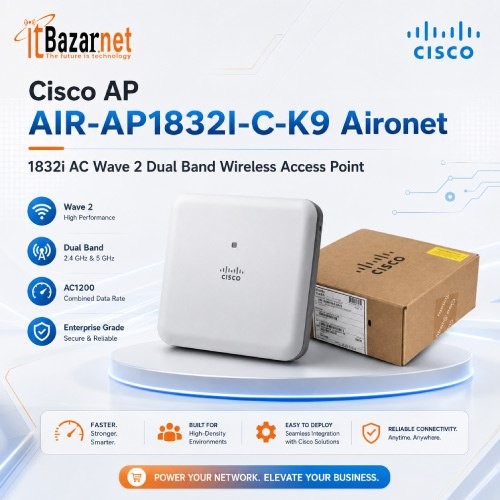
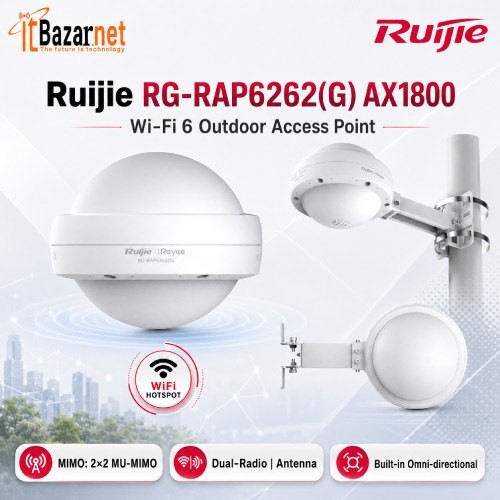
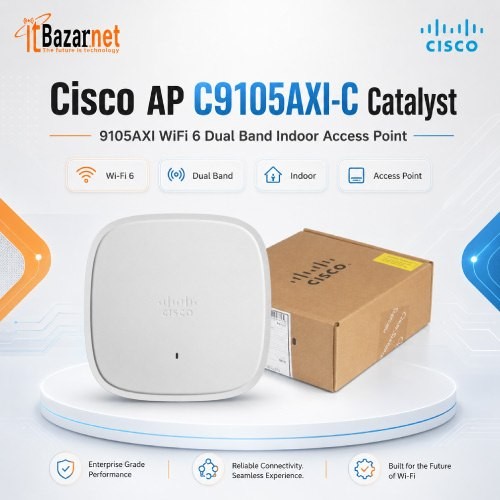
A wireless access point extends Wi-Fi coverage from a wired network connection. It is a strong option for offices, schools, restaurants, shops, warehouses, hotels and multi-floor buildings.
Access points are different from Wi-Fi extenders. An access point usually connects to the network through Ethernet cable. This allows it to provide stronger and more consistent wireless performance.
Install access points where users need coverage. Common locations include ceilings, corridors, meeting rooms, reception areas, classrooms and open office spaces.
For larger networks, multiple access points can deliver wider coverage and support more connected users. Business-grade access points may also provide central management, guest Wi-Fi, user controls and network segmentation.
Mesh Wi-Fi systems use multiple connected units to provide wireless coverage across a larger area. They are useful for large homes, apartments with difficult layouts, multi-storey houses and small offices.
A mesh system can reduce Wi-Fi dead zones. It can also provide more consistent connectivity as users move between rooms.
For best results, place the main mesh unit close to your internet connection. Add satellite nodes where the original signal remains strong. Avoid placing a mesh node inside a weak-signal area, because it cannot create strong performance from a poor connection.
Ethernet backhaul can improve mesh Wi-Fi stability. It connects mesh nodes through wired Ethernet rather than relying only on wireless communication between nodes.
A Wi-Fi range extender helps expand an existing wireless signal into nearby weak-coverage areas. It can be useful for a single room, balcony, small office corner or other limited dead zone.
A range extender is usually easier and less expensive than installing new Ethernet cabling. However, it may reduce wireless speed because it receives and retransmits the same signal.
For a larger property or a business environment, a wired access point or mesh Wi-Fi system is often the better long-term option.
Place the extender between the main router and the dead zone. It should receive a strong signal from the main router.
Ethernet cables create wired connections between routers, switches, computers, access points, IP cameras, NVRs and other networking devices. A good cable helps maintain stable speed and reduce connection issues.
Cat5e cables can support many standard Gigabit networking needs. Cat6 cables are a better choice for many new home and office installations because they provide stronger performance headroom for modern networks.
Choose cable length carefully. Excess cable can make installation untidy, while cables that are too short can strain connectors or limit placement options.
Networking accessories may include RJ45 connectors, cable testers, crimping tools, patch panels, wall plates, cable organizers, adapters, media converters and power supplies. These components matter in professional installations and long-term maintenance.
LAN adapters add or upgrade network connectivity for laptops, desktop computers and other devices. They are useful when a device has no Ethernet port, damaged Wi-Fi hardware or limited wireless performance.
USB to Ethernet adapters can give compatible laptops a wired network connection. This can improve stability for video conferencing, file transfers, gaming and office work.
Wireless USB adapters can add Wi-Fi capability to desktop computers or improve compatibility with newer wireless standards. Always check the USB version, operating system support, antenna design and speed specification before purchasing.
Home networking needs are changing. More devices now share the same internet connection. Smartphones, smart TVs, laptops, gaming consoles, security cameras, streaming devices and smart-home products all compete for bandwidth.
For a small home, a good dual-band Wi-Fi router may be enough. For a larger home, use a mesh Wi-Fi system or add one or more wireless access points.
Use wired Ethernet for fixed devices where possible. Smart TVs, desktop PCs, gaming consoles and NVR systems often benefit from a stable wired connection.
A small Gigabit switch is useful when the router does not have enough LAN ports.
Business networks need more than internet access. They need stability, security, scalability and better control over connected users and devices.
A typical office network may include a business router, managed network switch, PoE switch, wireless access points, IP cameras, VoIP phones, printers, employee computers and a separate guest Wi-Fi network.
Managed switches can help separate network traffic. For example, staff devices, guest devices, CCTV systems and internal servers can be placed on separate VLANs. This improves control and reduces unnecessary traffic between device groups.
For offices with many users, install multiple access points rather than expecting one router to cover every desk, room and floor.
IP camera systems depend on stable network hardware. A weak network can cause video delays, recording gaps, camera disconnections and poor remote viewing.
PoE switches are commonly used with IP cameras because they deliver both power and data through a single Ethernet cable. This can reduce installation complexity.
When building a CCTV network, consider camera count, PoE power requirements, switch port count, NVR bandwidth, Ethernet cable quality and future expansion.
It is usually wise to buy a switch with spare ports. This gives room for additional cameras, access points or network devices later.
Start with the problem you need to solve.
If you need Wi-Fi for a small home, choose a suitable dual-band router. If Wi-Fi does not reach every room, consider mesh Wi-Fi, a wireless access point or a range extender.
If you need more wired ports, choose a Gigabit network switch. If you need to power IP cameras or access points through Ethernet cables, choose a PoE switch.
If you are setting up a business, focus on scalability. A managed switch and multiple access points may cost more upfront, but they can reduce downtime and avoid replacement costs as the business grows.
Check these points before buying:
Networking product prices in Bangladesh vary by brand, speed, Wi-Fi generation, port count, coverage capacity, PoE power budget and management features. Small accessories can start from a few hundred taka, while business-grade routers, managed switches and enterprise wireless equipment can cost significantly more.
At IT Bazar, compare product specifications alongside price. A low purchase price can become expensive if the device lacks enough ports, coverage, speed or capacity for future devices.
Wi-Fi router prices in Bangladesh typically start from around ৳1,500 for basic models and can go beyond ৳25,000 for advanced Wi-Fi 6, gaming and high-capacity routers. The final price depends on Wi-Fi standard, internet speed support, coverage area, LAN ports, security features and connected-device capacity.
Network switch prices in Bangladesh generally range from ৳650 to ৳60,000. Basic unmanaged switches are suitable for homes and small offices, while managed Gigabit switches offer advanced features such as VLAN support, traffic monitoring and improved network control for businesses.
PoE switch prices in Bangladesh typically range from ৳2,500 to ৳120,000 or more. These switches power compatible IP cameras, wireless access points and VoIP phones through Ethernet cables. Price depends on port count, Gigabit support, PoE power budget and management features.
Wireless access point prices in Bangladesh generally range from ৳1,550 to ৳88,500. Entry-level models work well for smaller spaces, while high-performance access points are built for offices, schools, hotels, retail stores and larger multi-user environments.
Mesh Wi-Fi system prices in Bangladesh typically range from ৳3,300 to ৳25,000. A mesh system is a practical choice for larger homes, multi-floor buildings and small offices that need more consistent Wi-Fi coverage across several rooms.
Wi-Fi range extender prices in Bangladesh generally range from ৳1,200 to ৳6,000. Range extenders are useful for improving Wi-Fi coverage in nearby weak-signal areas, such as bedrooms, balconies or small office rooms.
LAN cable and Ethernet cable prices in Bangladesh can start from around ৳20 for small connectors and accessories. Patch cables, Cat5e cables, Cat6 cables, outdoor cables and bulk cable rolls can range up to ৳15,000 or more based on length, cable type, shielding and installation requirements.
LAN adapter and Wi-Fi adapter prices in Bangladesh generally range from ৳790 to ৳8,000. Basic USB Wi-Fi adapters are suitable for standard wireless access, while dual-band, Wi-Fi 6, USB-C Ethernet and multi-gig adapters cost more.
Networking accessory prices in Bangladesh generally range from ৳20 to ৳15,000 or more. This category may include RJ45 connectors, cable boots, crimping tools, cable testers, patch panels, keystone jacks, PoE injectors, media converters and cable-management products.
A Wi-Fi router connects your local network to the internet. It usually provides Wi-Fi, Ethernet ports, DHCP services, firewall functions and device management.
A wireless access point provides Wi-Fi from a wired network. It is designed to extend coverage and support users in specific parts of a building.
A Wi-Fi range extender repeats an existing wireless signal. It can be useful for small weak-signal areas, but it is not always the best solution for large or high-traffic environments.
A mesh Wi-Fi system uses multiple Wi-Fi nodes to create broader coverage. It is often easier to manage than separate routers and extenders in a large home.
Internet speed is not the only factor that affects your connection. Router placement, Wi-Fi interference, device limitations, cable quality and network congestion can all reduce performance.
Place your router in a central and open location. Keep it away from metal cabinets, thick concrete walls, microwave ovens and enclosed shelves.
Use 5 GHz Wi-Fi for nearby devices that need higher speeds. Use 2.4 GHz Wi-Fi when longer range is more important.
Connect stationary devices by Ethernet cable when possible. This reduces wireless congestion and can improve performance for the devices that still use Wi-Fi.
Restarting a router may temporarily resolve an issue, but recurring problems often indicate poor placement, insufficient coverage, outdated hardware, bandwidth limits or too many devices for the current network setup.
A fast network is not enough. It should also be secure.
Change the default router administrator password after installation. Use a strong Wi-Fi password. Keep firmware updated when updates are available from the manufacturer.
Create a guest network for visitors. Do not share your main network password with every user. If possible, separate smart-home devices, cameras and guest devices from work computers and important business systems.
Disable remote management features unless you actively need them. Review connected devices regularly. Remove devices you do not recognise.
For businesses, use managed networking equipment where appropriate. VLANs, access controls and separate Wi-Fi networks can reduce security risk and make troubleshooting easier.
IT Bazar provides networking products for home users, students, gamers, offices, retailers, schools, CCTV installers, IT professionals and growing businesses.
Explore routers, switches, PoE switches, wireless access points, mesh Wi-Fi systems, range extenders, LAN adapters, Ethernet cables and networking accessories that fit your setup.
Choose products based on actual needs. Do not buy only at the highest advertised speed. Consider the number of users, building layout, wired devices, internet package, security needs and future expansion.
A properly planned network saves time. It supports better work, smoother streaming, stable online meetings, stronger camera connectivity and fewer connection issues.
A router connects your local network to the internet. A network switch adds more wired Ethernet connections to the same local network. Many homes and offices use both devices together.
A Gigabit network switch is recommended for most modern home and office networks. It supports faster wired connectivity than older Fast Ethernet switches and is better for high-speed broadband, file sharing, IP cameras, streaming and business use.
Buy an unmanaged switch for simple plug-and-play Ethernet expansion. Buy a managed switch if you need VLANs, network monitoring, traffic control, security settings or separated networks for staff, guests and CCTV devices.
A PoE switch supplies both power and data through Ethernet cables to compatible devices. It is commonly used for IP cameras, wireless access points and VoIP phones.
A mesh Wi-Fi system is usually better for larger homes and multi-room coverage. A Wi-Fi extender can be useful for a small dead zone, but it may reduce speed. For the best performance, use mesh Wi-Fi with Ethernet backhaul or wired access points where possible.
The number depends on building size, wall materials, floor layout, number of users and type of use. A small office may need one or two access points. Larger offices, schools, shops and warehouses often need a planned multi-access-point setup.
Cat5e is suitable for many Gigabit Ethernet connections. Cat6 is a strong choice for new installations because it offers more performance headroom for modern networking needs.
Yes, if the cameras receive power separately. If the cameras support PoE, a PoE switch can simplify installation by delivering both power and data through one Ethernet cable.
Your Wi-Fi may be affected by router placement, distance, walls, interference, old devices, poor coverage, network congestion or a low-performance router. A faster internet package alone may not solve a local Wi-Fi problem.
Not always. Router compatibility depends on your ISP connection type, modem or ONU setup, WAN port requirements and authentication configuration. Check your ISP requirements and router specifications before purchase.

 PC Builder